TV Remotes & Casting
Smart View Video Cast
Preview
5 screenshots from App Store
About this app
Cast photos, videos, music and documents from your iPhone to smart TVs over Wi-Fi.
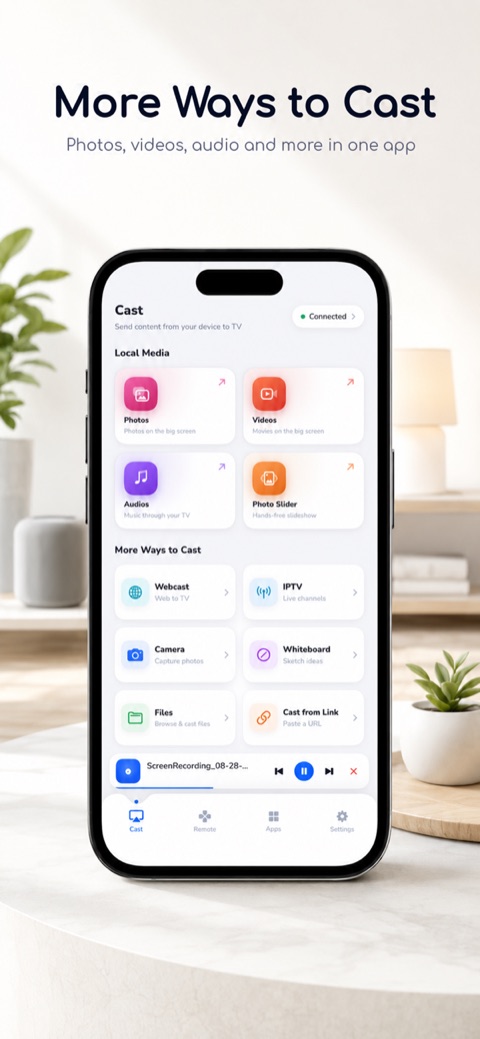
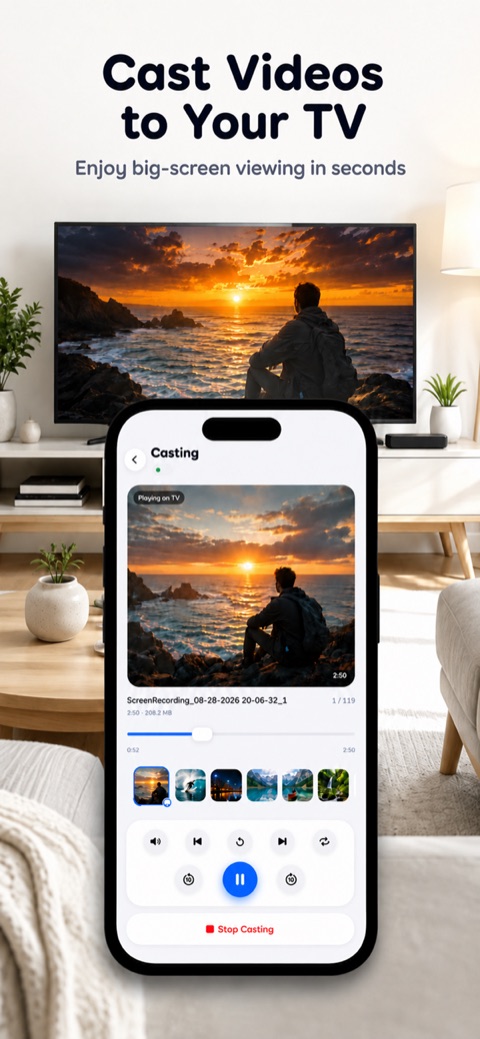
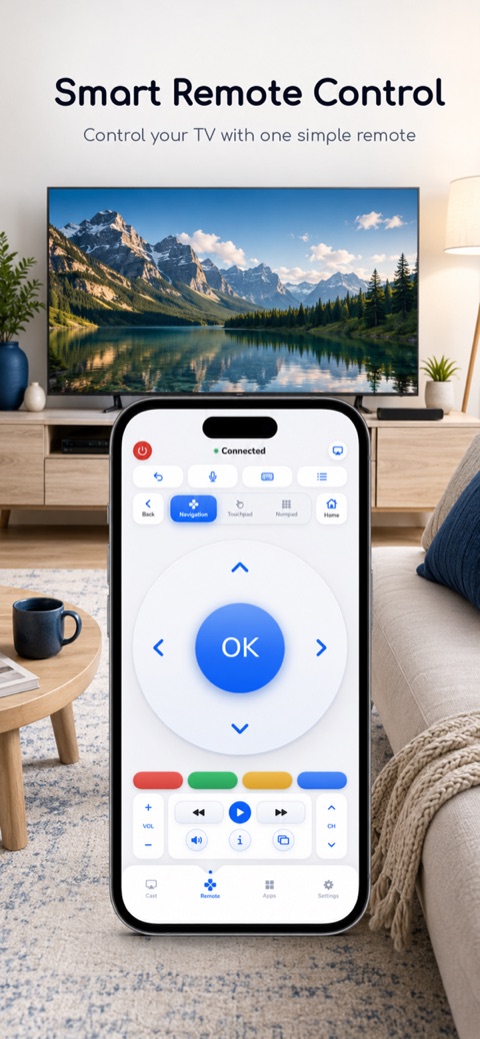
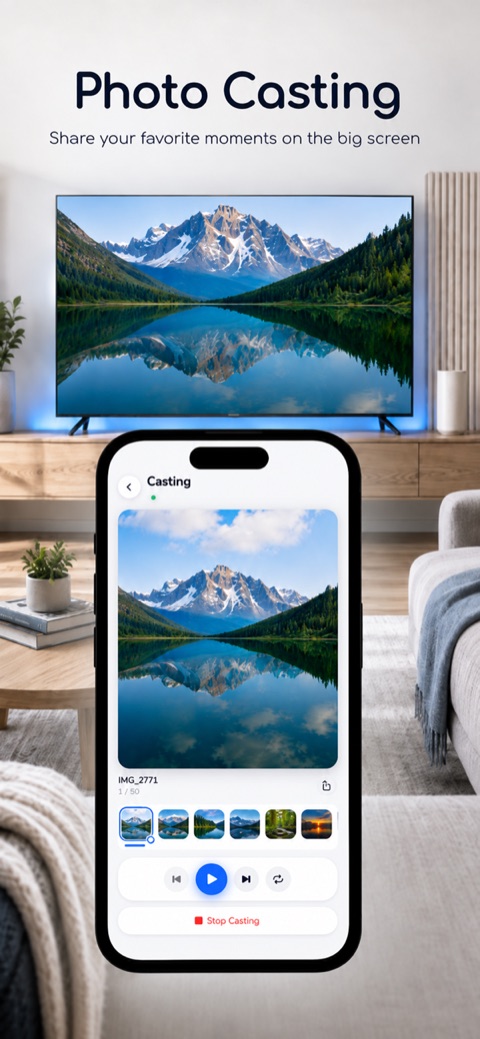
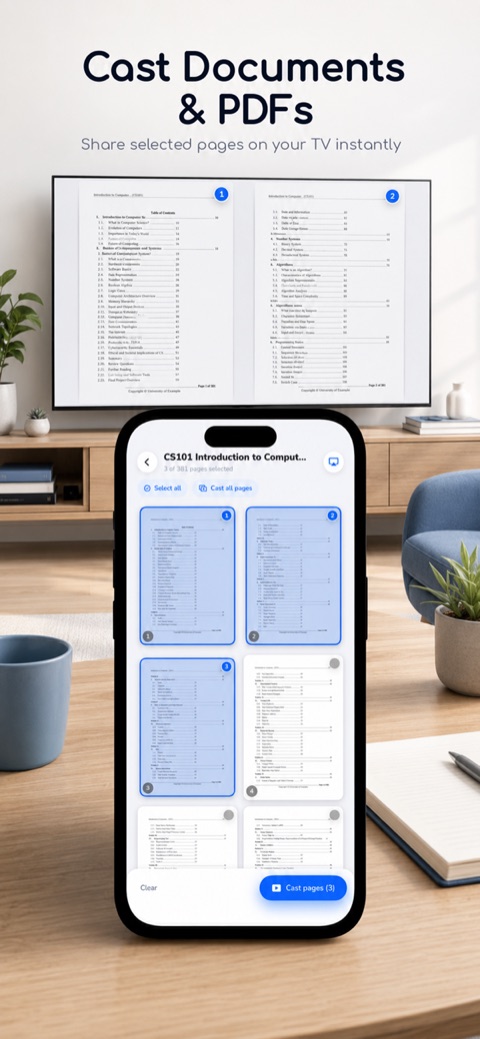
Smart View Video Cast sends the photos, videos, music and documents on your iPhone or iPad to your smart TV over Wi-Fi, and turns your phone into a TV remote. Your phone and your TV only need to be on the same Wi-Fi network. No cable, no account, no sign-up. CAST FROM YOUR DEVICE • Photos: show a photo on the TV and move through the album with next and previous • Photo Slider: pick photos and play them as a hands-free slideshow (3, 5, 10 or 30 seconds per photo) • Videos: play videos from your library on the TV, with play, pause, seek, skip 10 seconds, next, previous and repeat • Music: play songs stored on your device through the TV • Files: open PDF, Word, Excel, CSV and text files, choose pages and show them on the TV • Camera: take a photo and send it straight to the TV • Whiteboard: draw with pencil, brush, shapes and text, and the TV picture updates as you draw TV REMOTE • D-pad and OK, back, home, volume, mute, channel up and down, and power • Touchpad for swiping, plus an on-screen pointer on LG and Samsung TVs • Number pad, and color keys on TVs that support them • Type on the TV with your phone's keyboard • Voice: Speak to the TV's own voice search. On other TVs, spoken English commands become button presses. • Apps: open the apps on your TV and pin your favorites • Reconnects to your last TV when you open the app COMPATIBLE TVs Tested with LG (webOS), Samsung. The app also supports Roku, Amazon Fire TV and Vizio.
Information
- Platform
- iOS
- Developer
- Syed Amanullah
- Category
- TV Remotes & Casting
- Version
- 3.0
- Size
- 29 MB
- Updated
- Oct 7, 2026
- Age rating
- 4+
- Languages
- 29 languages