TV Remotes & Casting
Smart View for Samsung TV
Preview
6 screenshots from App Store
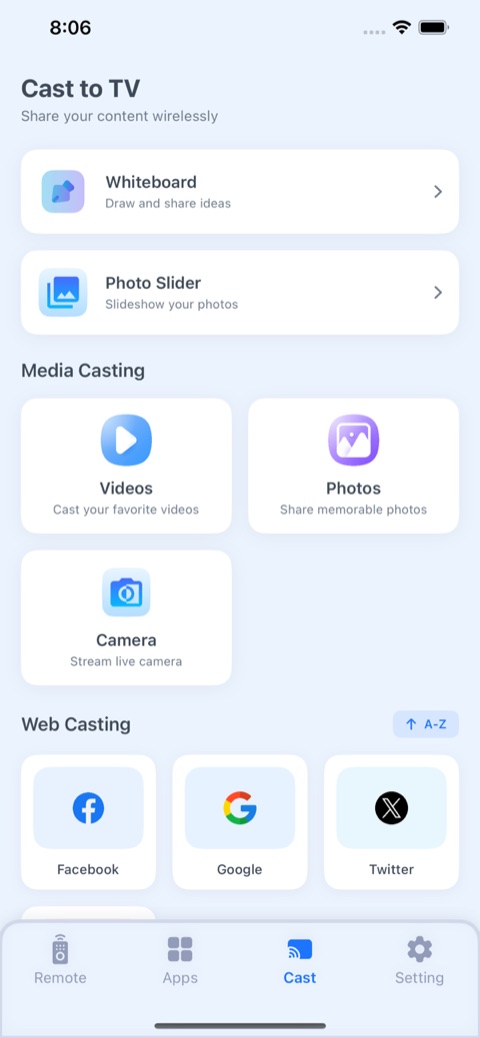
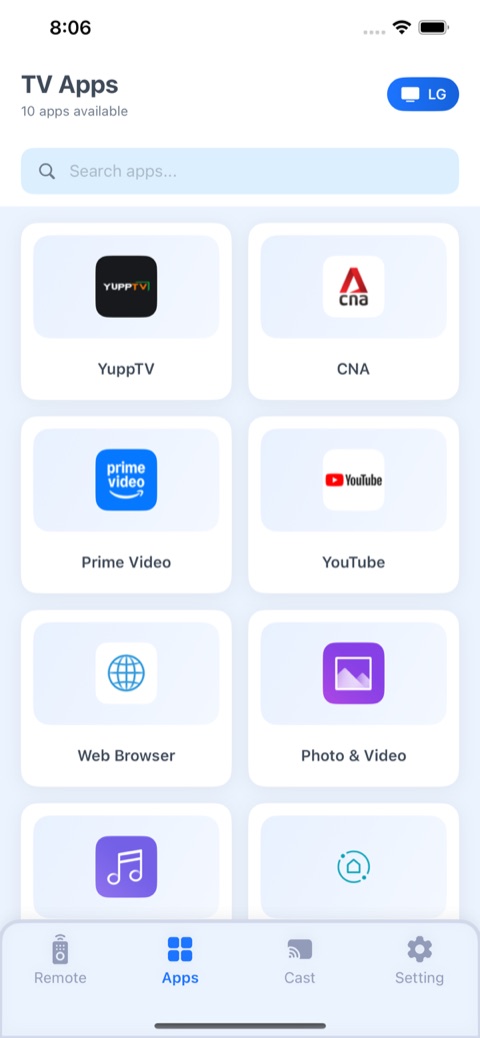
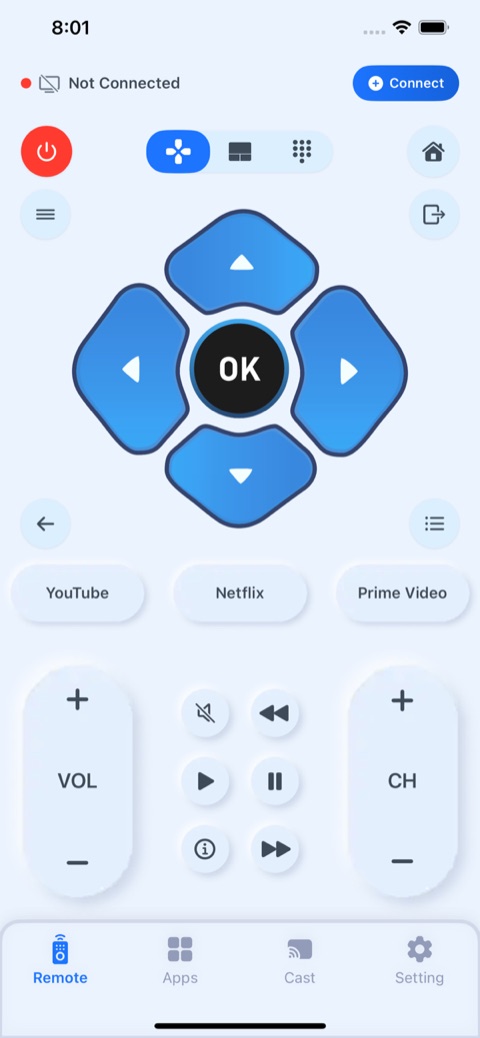
About this app
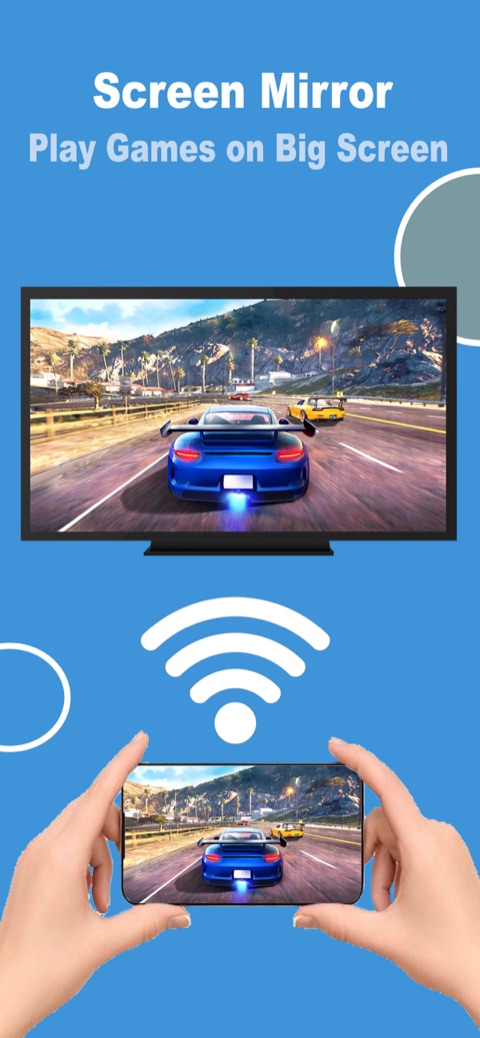
Mirror your iPhone screen and cast photos, video and audio to Samsung smart TVs.
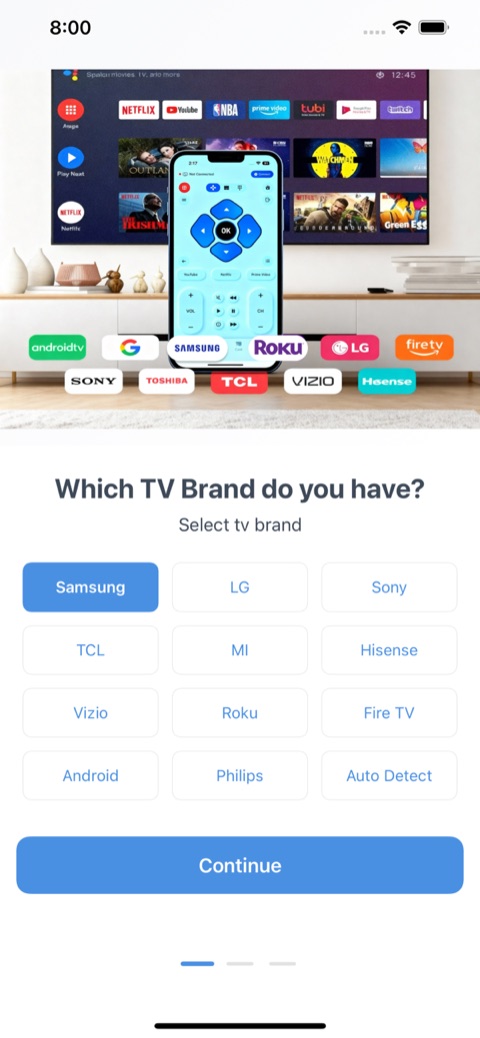
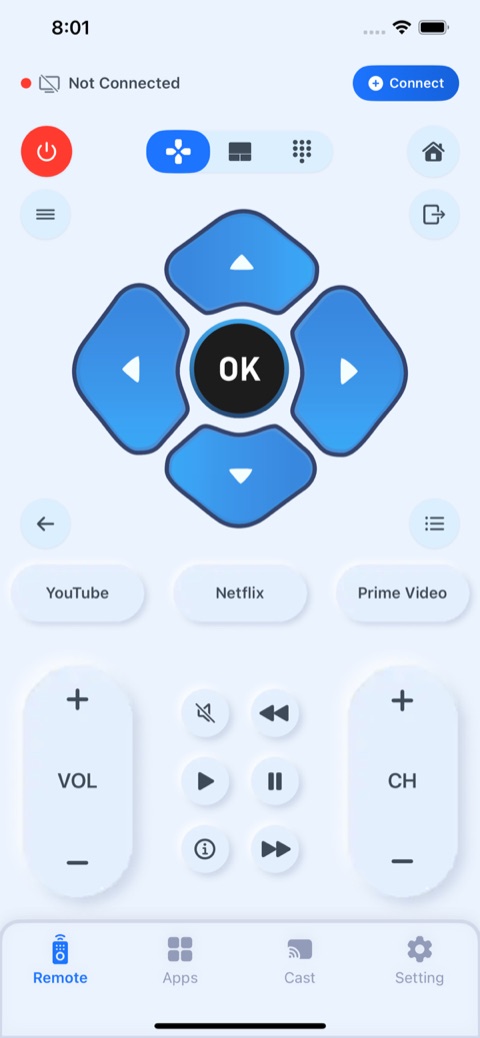
Screen Mirroring app allows you to easily mirror your iPhone's screen to any smart TV in great quality and with no delays. Watch any photos, videos & music on your Smart TV. Draw on your phone, but see on bigger screen. Features . Simple and fast connection with just a click . Stream & Cast to TV with HD quality . Watch your local photos, videos, and movies on your TV . No noticeable delay in mirroring . Compatible with all TV models. HOW TO USE • Step 1: Ensure your iPhone/iPad and Smart TV connects to the same Wi-Fi. • Step 2: Choose and Connect to your Smart TV on the phone screen • Step 3: To stop mirroring click on the top red bar of your iPhone Smart View Cast To TV Premium Subscriptions: 1. Monthly(30 Days) $5.99 Auto Renewable 2. Yearly (365 Days) $34.99 Auto Renewable • In order to use the app, you need to purchase an auto-renewable subscription. • Payment will be charged to iTunes Account at confirmation of purchase. Subscription automatically renews unless auto-renew is turned off at least 24-hours before the end of the current period. The cost depends on the selected plan. Account will be charged for renewal within 24-hours prior to the end of the current period, and identify the cost of the renewal. Subscriptions may be managed by the user and auto-renewal may be turned off by going to the user's Account Settings after purchase. Any unused portion of a free trial period, if offered, will be forfeited when the user purchases a subscription to that publication, where applicable. Terms Of Use(EULA): https://smartviewcast.blogspot.com/2024/06/terms-of-use.html Privacy Policy: https://smartviewcast.blogspot.com/2024/06/privacy-policy.html Contact us if you have any questions Email us: mansoormax@gmail.com
Information
- Platform
- iOS
- Developer
- Mansoor Ahmed
- Category
- TV Remotes & Casting
- Rating
- 4.4
- Version
- 22
- Size
- 26 MB
- Updated
- Jun 18, 2026
- Age rating
- 17+
- Languages
- 15 languages
Case study
How it was built
Solo developer, design, iOS & Android, release
The problem
Casting apps are notoriously flaky: users expect a phone to mirror to any Samsung TV instantly, but discovery and handshakes differ across firmware years and network setups.
The challenge
Reliable local-network discovery and a low-latency mirroring pipeline that works across a decade of Samsung models, without draining the battery or dropping the connection.
The solution
Built device discovery over SSDP/UPnP with DIAL fallbacks, a resilient WebSocket control channel, and an adaptive mirroring pipeline tuned per device class. Wrapped it in a one-tap, App-Store-ready UI with clear connection states.
The result
A consistently high store rating and millions of installs, with “connects instantly / never lags” a recurring theme in reviews.