TV Remotes & Casting
Screen Mirror for Roku TV
Preview
3 screenshots from Google Play
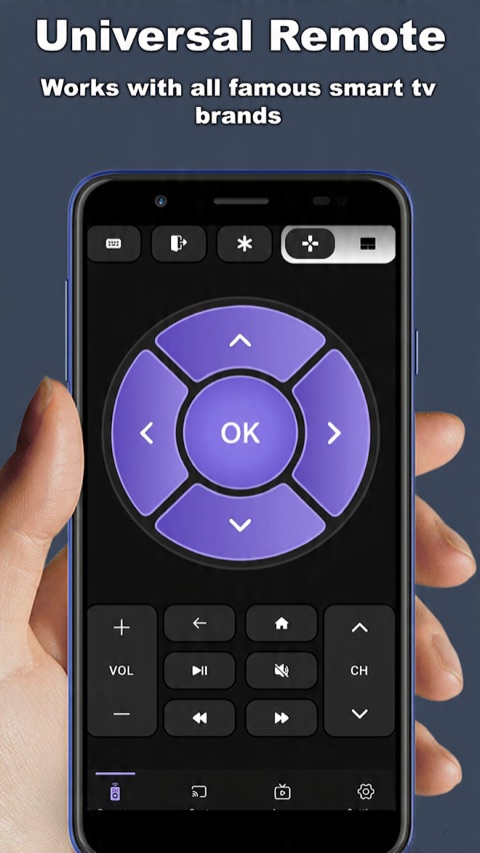
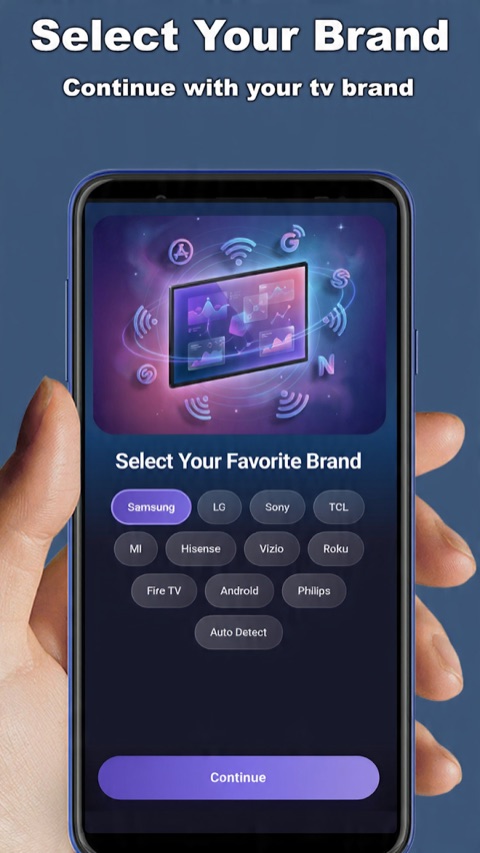
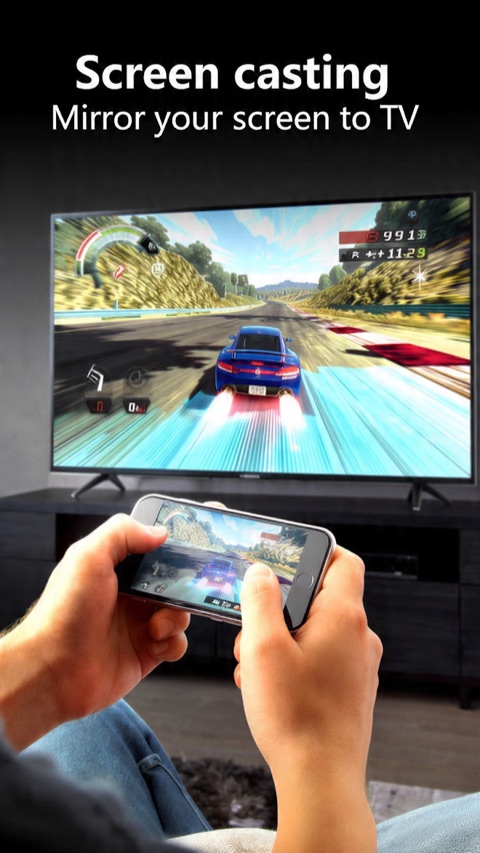
About this app
Cast your Android screen and media to Roku and TCL Roku TVs in a couple of taps.
Mirror Screen to Roku helps you to Cast local video, photo slideshow, and much more from phone to roku TV easily and fast. Enjoy a free and convenient way to see your Roku content with our TV Cast from your phone. Stream the breaking news straight from your phone onto your Roku TV for free. Or, screen share your photos on the big screen of your television. Our Roku TV Cast & Screen Mirror makes it easy and free to do it all. Roku Remote Control: Control your Smart TV Using our built-in Remote Controller. Feature: Volume control Channels Navigation Main menu Source selection Features of Roku TV Cast & Screen Mirror - Video Cast - Photo cast - Universal Remote - Screen Mirroring Steps to connect to TV: First: make your TV and your Phone/Tablet connect to the same Wi-Fi network Second: open this app and select your target device to connect. Third: once connected, control your Roku devices with good app UI. NOTE: this app is not an affiliated entity of Roku, Inc., and this application is not an official product of Roku, Inc.
Information
- Platform
- Android
- Developer
- Smart Remotes And Screen Cast
- Category
- TV Remotes & Casting
- Rating
- 4.7
- Downloads
- 100K+
- Updated
- May 19, 2026
Case study
How it was built
Solo developer, design, native build, ASO
The problem
Roku users wanted to mirror media and control their TV from one app, but existing options were ad-heavy and unreliable on busy home networks.
The challenge
A snappy remote + mirroring experience using Roku’s ECP protocol that stays responsive even when the network is congested.
The solution
Implemented Roku ECP for instant remote control, a clean mirroring path, and Wake-on-LAN/auto-reconnect so the app “just works.” Kept the UI minimal and the monetization unobtrusive.
The result
Strong retention and ratings, with users specifically calling out the speed and the clean, ad-light interface.